
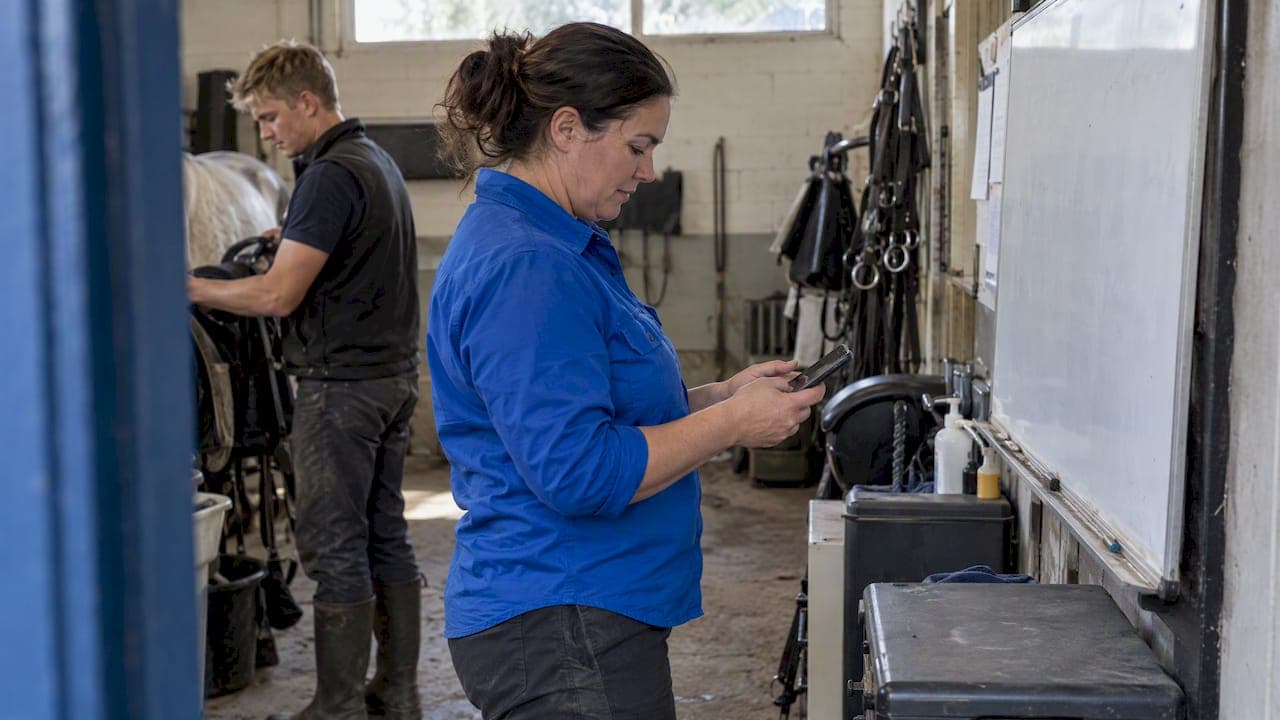
Use a short phygital rollout led by the manager: co-design the workflows with your team, run hands-on in-person training, and choose an offline-capable app with thumb-friendly screens. Two useful levers can support adoption. Use the app visibly yourself, so staff see it replace paperwork, and run a small pilot with a few trusted staff before asking everyone to switch.
TL;DR:
- Map existing routines with staff before configuring the app, explain what data it collects and who can see it, and model its use yourself.
- Choose an app with offline core tasks, high contrast screens, controls staff can use with gloves, and few taps for health checks and incident reports.
- Start with three staff testing two to four workflows, then train groups of four to six per trainer in 30 to 45 minute sessions.
- Review weekly active users, task completion, owner update time, and actions per shift; repeated screen complaints call for simpler workflows before new features.
- Keep paper records and whiteboards during the pilot; retire each only after staff have used its replacement smoothly for a couple of weeks.
Table of Contents
- What does a 7-step checklist for staff app adoption in stables look like?
- How do you build staff buy-in and ease surveillance fears?
- What must the app do to work in a stable?
- What does a phygital rollout timeline look like, week by week?
- How do you measure success and avoid common pitfalls?
- How does the app fit your existing stable workflows and tools?
- How should you communicate with everyone during the rollout?
- How can you customise the app to suit your yard?
- Why the real work is relational, not technical
- EquiBETS Complete: a direct option for this rollout
- FAQ
- Sources
What does a 7-step checklist for staff app adoption in stables look like?
This is the spine of the whole rollout. Work through it in order and you will rarely get stuck.
- Scope your requirements: daily tasks, owner updates, emergency access and offline needs.
- Choose a small pilot group and a few workflows to test.
- Appoint digital champions, staff peers who help others, and book short hands-on sessions.
- Train in person, then back it up with one-page job cards and short demo videos.
- Track daily and weekly use, and collect staff feedback as you go.
- Fix usability problems quickly, then add users and features.
- Keep support going with scheduled check-ins and visible manager use.
Pro Tip: Put the job cards where the work happens, on the feed room door and inside the tack room, not in a folder in the office.
How do you build staff buy-in and ease surveillance fears?
Staff accept an app when it fits how they already work. Digital education researchers warn that top-down forced adoption leads to resistance, while implementations that treat staff as co-designers and start from existing workflows succeed. So map the current routines together before you touch any settings.
Stable management experts also note that assuming a tool will replace ingrained habits is a common pitfall. Your own commitment is the model staff copy. Explain why task tracking and safety records matter, then use the app in front of the team.
- Involve staff in workflow mapping and feature choices so the app supports their routines, not the reverse.
- Use the app visibly yourself, and show how it cuts paperwork and owner phone calls.
- Write down what data is collected and who can see it, and share that before launch.
- Pair short face-to-face sessions with app nudges, and name digital champions to help peers.
- Keep training short and targeted rather than long and generic.
The phygital idea has support from fieldwork. In user testing for a phygital extension platform in Zambia, digital champions and face-to-face meetings helped users learn, build trust and adopt the service. A randomised trial in Egypt found that classroom digital training lifted uptake and trust, and a study of targeted training among tribal farmers reported a measurable improvement in uptake afterwards. These are farm settings, not stables, but the human pattern is the same: people trust a tool they have been shown how to use.
Pro Tip: Address surveillance in your first meeting, not your last. Say plainly that the app is there to cut paperwork and protect staff, and keep safety-critical checks in person.
What must the app do to work in a stable?
Stable work is wet, dusty and one-handed, so the app has to be built for it. Research on agricultural apps finds that high-contrast visuals, offline capability and minimal click-depth are needed for use in harsh outdoor or low-connectivity settings. Use that as your procurement checklist.
- Offline first: every core task works without signal, then syncs reliably when the phone reconnects. Our guide to rural stable connectivity covers what to expect in low-signal yards.
- Big, high-contrast buttons and thumb-centred navigation that work with gloves and sunlight glare.
- Few taps for critical actions such as health checks, feed records and incident reports.
- Language options, or audio, where your team speaks several languages. The Campo Seguro project shows how mobile-first, high-contrast, multilingual and low-click design reaches workers with limited connectivity.
- Simple login and quick fixes for frozen screens, because a complicated sign-in can undermine a pilot.
Good screens help retention too. This step-by-step UX guide is a useful companion when you review the app with your team.
What does a phygital rollout timeline look like, week by week?
A phygital rollout mixes the app with in-person support. The timeline below is a practical working plan we suggest, not a measured benchmark.
- Pilot: a small group of staff, a few workflows, clear pass marks and regular check-ins.
- Training (week 1 to 2): hands-on sessions of 30 to 45 minutes, one trainer per four to six staff, plus printed job cards and short demo videos.
- Iteration (weeks 2 to 6): collect feedback daily, fix the two worst usability problems first, and add one feature at a time.
- Scale (weeks 6 to 12): stagger the rollout across teams, review weekly and then monthly, and keep champions active.
| Phase | Timing | Group size | Main task |
|---|---|---|---|
| Pilot | Week 0 to 1 | 3 staff | Test 2 to 4 workflows |
| Training | Week 1 to 2 | 4 to 6 staff per trainer | 30 to 45 minute hands-on sessions |
| Iteration | Weeks 2 to 6 | Pilot group | Fix 2 usability issues, add 1 feature |
| Scale | Weeks 6 to 12 | Whole yard, staggered | Weekly then monthly reviews |
Expect to spend time on manager planning and training sessions. A small reward for early adopters helps, and a training-of-trainers approach suits larger teams. One farmworker programme, ¡Protéjase!, paired an app with required training sessions of about 45 minutes and built the design on user feedback and pilot testing, which is a reasonable template for session length. Simple channels matter as well: agritech services in Kenya, described in a Cornell capstone, show the value of low-tech delivery where phones are basic.
How do you measure success and avoid common pitfalls?
Pick a handful of numbers and look at them on a fixed day each week. Track weekly active users as a share of staff, task completion rate, owner update turnaround time and average actions per shift. Add softer checks: how useful staff say the app is, how many help requests come in, and how often managers themselves log in.
- Low logins after the pilot has begun: add a short refresher session.
- Repeated screen complaints: simplify the workflow before adding features.
- Rising help requests: improve troubleshooting and offline reliability.
- Fear of monitoring: restate what data is collected and keep human checks on safety-critical tasks.
Many failures are avoidable. A partner guide on non-technical user mistakes lists common errors that break operational apps, and most come down to unclear setup and thin training. Set your measures against the pilot goals from the checklist and judge honestly whether staff are using the app because it helps them, not because they were told to.
How does the app fit your existing stable workflows and tools?
Start by writing down how work really flows today: who feeds, who rides, who tells the owner, and where each record lives. A five-phase process model for horse-farm digitisation begins with preparation and sensitising staff, then analyses current workflows and identifies where digitising helps. Follow that order and you avoid replacing a working habit with a worse one.
Then move one process at a time. Daily task lists and shift handovers are usually the easiest place to begin, and our piece on stable task management shows how a yard can reclaim time each day. Safety is another natural fit. The InnoHorse research on a safety management web tool found that stable-specific checklists and maps help standardise safe work practices, and you can apply the same thinking to your own hazard maps. Mobile farm labour systems that cover registration, task assignment, attendance and offline support can reduce administrative workload and improve transparency between labourers and owners.
Keep paper and whiteboards running alongside the app during the pilot. Retire each old method only when the team has used the new one smoothly for a couple of weeks.

How should you communicate with everyone during the rollout?
Think of three audiences: your staff, the horse owners and anyone with a stake in emergencies, such as your vet. Each needs a different message at a different pace. Stable managers describe a heavy emotional load from managing owners and teams, and apps work best when they support communication and status updates, not only task tracking. A UK study of livery yards likewise found that much of a manager's workload is organisational and emotional, which is exactly where good communication tools earn their keep.
A simple plan works well:
- Staff: a kickoff talk, a brief regular stand-up on what is working, and a named champion for questions.
- Owners: one message before launch explaining what will change, then regular updates once the portal is live. Our notes on owner update cadence show how timestamped updates and clear roles cut repeat calls.
- Vets and responders: confirm what emergency information they can now reach and who to call if the app is down.
Post a short written summary after each milestone, so no one learns about a change by accident.
How can you customise the app to suit your yard?
No two yards run the same way, so tailor the setup before you scale. Begin with the fields your team actually records: feed plans, medication, turnout, rider notes. Cut anything the pilot group never touches, because clutter is the quickest way to lose casual users.
Next, match roles to real jobs. Grooms, riders, owners and vets should each see only what they need, which also eases surveillance fears by showing who can access what. Rename tasks in your own yard's words, and set up checklists that reflect your routines, such as a morning health walk or a hazard check. Where the app supports it, add your farm map so hazards and gates sit on the screen staff already know.

Finally, review these settings at every monthly check-in. Customisation is not a one-off job; the pilot will tell you what to add or drop, and a quick tweak after a staff comment shows the team their input matters. Our offline horse management guide explains how tailored setups cut owner calls on a professional yard.
Why the real work is relational, not technical
I think managers underestimate how much of this is about people, not software. The UK livery yard research and the EUnetHorse material both point the same way: yard work is organisational and emotional, so an app that smooths owner updates and shared tasks takes weight off the manager as well as the team. That is why I would judge any tool first on offline access, owner portals and task management, the three things that reduce daily friction. The software that wins is the one staff reach for without being asked.
— isaac
EquiBETS Complete: a direct option for this rollout
We built EquiBETS Complete around the same approach: an offline-first mobile app, team coordination, owner portals and analytics in one workspace. You can start with a free trial and run a pilot that follows the checklist above, or see pricing for EquiBETS Complete, which is 9.99 AUD per month.

FAQ
How long does it take to get staff using a stable app?
The time from pilot to full rollout varies with the yard and the rollout plan. The pilot, training, iteration and scale phases above give you a week-by-week frame to follow.
What is the best way to train stable staff on a new app?
Short, hands-on sessions beat long classroom talks. Trials of targeted digital training found it lifted uptake and trust, so keep sessions practical and back them up with job cards and demo videos.
How do you handle staff who fear the app is for surveillance?
Tell them plainly what data is collected and who can see it, before launch. Show how the app cuts paperwork and keep safety-critical checks in person.
Does the app need to work offline in a stable?
Yes, if your yard has patchy signal. Agricultural design research says offline capability is needed for low-connectivity settings, so check that core tasks run without a connection.