
A digital horse emergency plan is a centralised, cloud-backed system that pairs laminated stall cards with a multi-day supply kit, all governed by defined trigger points and staff who've actually rehearsed them. It only works if it's built before you need it, not during.
Do these three things in the next hour:
- Create a shared, encrypted cloud folder that every senior staff member and your primary vet can access.
- Export a stall-card PDF for each horse and save a backup copy to a USB drive kept off-site.
- Add your primary vet, backup vet, and emergency services numbers to one central contact file, not three different phones.
A platform like EquiBETS can hold all of this in one place instead of scattered spreadsheets and old phone photos.
Key Takeaways
A digital horse emergency plan works only when cloud backups, laminated stall cards, and rehearsed trigger points operate as one connected system rather than three separate habits.
| Point | Details |
|---|---|
| Build redundant storage | Use an encrypted cloud folder plus a local encrypted USB backup so the plan survives a lost connection. |
| Sync stall cards digitally | Laminate physical cards and link them to digital records so medication changes update everywhere at once. |
| Set numeric trigger points | Define exact fire, flood, and storm thresholds so activation decisions don't stall on hesitation. |
| Rehearse regularly throughout the year | Run two full drills annually plus quarterly mini-checks, and log what fails to update the plan. |
| Consolidate with one platform | EquiBETS links owner portals, offline access, and emergency records so responders reach critical details fast. |
Table of Contents
- What goes into a digital horse emergency plan
- How do you actually set up the digital system?
- What triggers should activate your emergency plan?
- How often should you train staff and run drills?
- Are you ready to evacuate horses at short notice?
- How does an integrated platform simplify all of this?
- Practical pitfalls and fast wins from a facility manager's perspective
- Start building your plan inside one workspace
- Sources
What goes into a digital horse emergency plan
Every workable plan rests on five pillars. Miss one and the whole system stalls exactly when you need it most.
- Cloud backup strategy. Store your plan in an encrypted cloud folder and keep a second, encrypted local copy on a USB stick. Decide now who holds access, because a plan nobody can open is worthless. The US Equestrian disaster preparedness guidance recommends at least two redundant storage locations for exactly this reason.
- Stall cards. Each card needs the horse's name, age, medications, allergies, feeding routine, and emergency contacts, according to Equus Magazine's stall-card guidance. Laminate them, mount them at eye level on the stall door, and link each one to the matching digital record so an update in one place flows through to the other.
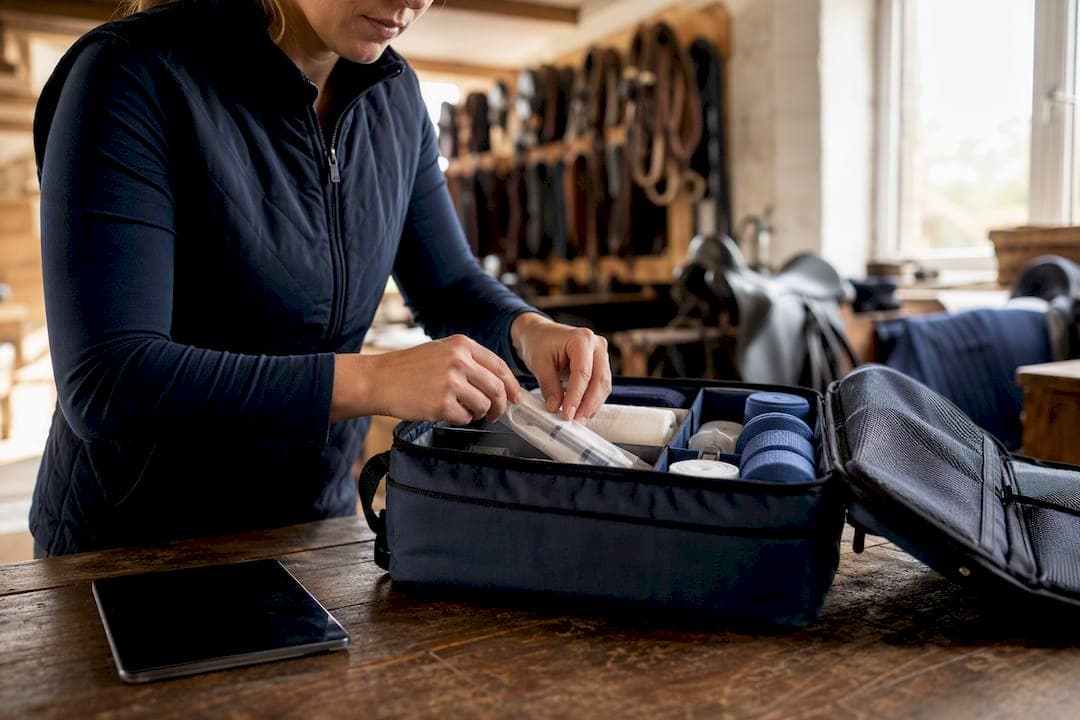
- Emergency kit contents. Pack enough feed, water, and medications to last several days alongside tools like a chainsaw and wire cutters, plus a first-aid kit, all stored where staff can grab it in under two minutes.
- Documents to digitise. Scan vaccination records including Coggins/EIA results, ownership papers, recent photos, and microchip numbers. Store them where they survive a fire even if the filing cabinet doesn't.
- Communication tree. List primary and alternate contacts for owners, your vet, local emergency services, and your evacuation site, in that order, so nobody has to guess who to call first.
Owners should also document their authorised wishes on treatment decisions, per British Horse Society guidance, and file that alongside the vaccination records rather than leaving it as a verbal understanding.
How do you actually set up the digital system?
Building the digital layer is where most plans either become useful or quietly die in a folder nobody opens again.
- Set up one centralised folder with a clear naming convention (horse name, document type, date) and turn on version history so nothing gets overwritten by accident.
- Build a stall-card template once, print and laminate a batch, then sync updates back to the digital record whenever a medication or contact changes.
- Map your property digitally, marking water shut-offs, electrical boxes, and safe assembly zones. Store the PDF in the shared folder and print physical signage for the same spots.
- Test offline access before you need it: download PDFs to a phone, keep an encrypted USB backup in the truck, and confirm any app you rely on actually works with no signal.
- Assign permissions deliberately. Your vet needs full medical access, owners need portal visibility on their own horses, and first responders need an emergency-only view that opens without a login.
Pro Tip: Run a "signal off" test once a quarter. Put every phone on aeroplane mode and see who can still pull up a horse's medical history in under a minute. If nobody can, your plan is decorative, not functional.
What triggers should activate your emergency plan?
Vague plans fail because nobody wants to be the one who overreacts. Numeric trigger points remove that hesitation entirely, as UF/IFAS's disaster preparedness guidance points out.
- Fire: activate on an official "severe" or "extreme" fire danger rating for your district, not when smoke is already visible.
- Flood: activate on a confirmed flood warning for your catchment, not when water is already at the stable door.
- Storm: activate on a severe storm alert covering your postcode, or on any confirmed structural damage to shelters or fencing.
Name a decision maker and a backup, in writing, so activation never waits on one person's phone being switched on. Shelter-in-place suits fast-moving, short-duration events; evacuation suits anything with more than a few hours' warning. Once activated: notify your contact tree, ready transport, start loading in a set order (calmest horses first), secure your documentation, and switch to offline access immediately if connectivity looks shaky.
How often should you train staff and run drills?
A plan that lives in a folder and never gets rehearsed is a plan that fails at the worst possible time. US Equestrian's guidance on disaster readiness points to regular drills and an annual full review as the baseline, not a once-off box tick.
- Run regular evacuation drills and periodic mini-checks on transport, documents, and contact lists.
- Practise float loading, map-guided evacuation routes, communications under pressure, and pulling records from your offline backup, not just the cloud version.
- Give every role a short, specific checklist and name an alternate for each one, because the person you rely on won't always be on site.
Pro Tip: Time your drills. If loading the first two horses and getting the transport moving takes longer than 15 minutes, that's your next fix, not a footnote.
Log what breaks down in each drill and update the plan within a week, while the lesson is still fresh.
Are you ready to evacuate horses at short notice?
- Confirm at least one off-property evacuation site now, and check its entry rules and capacity before you need it, as UF/IFAS's disaster planning publication VM252 recommends. A second backup site matters more than most managers assume.
- Keep your float or truck genuinely ready: tyres, wiring, bearings, floor condition, and current registration checked monthly, not just before a scare.
- Pack an adequate supply of water per horse per day, feed, medications, tack, laminated documents, and your emergency kit, all staged near the loading point.
- Line up a backup transport contact (a neighbouring yard, a local transporter) and store their number in your communication tree, because your own float being unavailable is not a rare scenario.
How does an integrated platform simplify all of this?
Running a plan across five separate systems, a paper folder, a shared drive, group texts, is exactly how contact numbers go stale and stall cards fall out of sync.
- Owner portals give real-time updates so an owner isn't calling the barn manager mid-crisis for basic status.
- Offline access matters because cloud-only plans fail the moment communications go down, and a genuinely offline-capable app closes that gap.
- Finance tracking keeps emergency-related costs, transport, extra feed, vet call-outs, in one ledger instead of scattered receipts.
- Emergency plan modules give vets and responders direct access to the medical detail they need without a phone call first.
EquiBETS consolidates these into one workspace, including stable and yard management features that tie facility maps and stall-card data together.
A laminated stall card gives a responder what they need in the first ten seconds. The linked digital record gives the vet everything they need in the next ten minutes. Neither one works properly without the other.
Practical pitfalls and fast wins from a facility manager's perspective
The plans that fail aren't badly written, they're just untested. Contact lists go stale within a year. Transport gets assumed roadworthy without a check. Staff know a plan exists but couldn't tell you the actual fire rating that triggers it.
Four fixes cost almost nothing and take an afternoon: laminate every stall card properly, export and actually open your offline PDFs on a phone with no signal, confirm two evacuation sites by phone rather than assumption, and run a five-minute trailer readiness check. Whatever breaks in your next drill should become the very next edit to the plan, not a note you mean to get to.
— isaac
Start building your plan inside one workspace
Everything covered here, shared plans, offline access, stall cards synced to digital records, an owner portal, and vet or responder access to critical details, sits inside EquiBETS as one connected system instead of five disconnected habits.

Yards juggling a shared drive, a paper folder, and a group chat tend to discover the gaps only during an actual emergency. Consolidating into one platform means your stall cards, feed and medication records, and contact tree update together, and your vet can open exactly what they need without waiting on a phone call. If you're ready to see whether it fits your yard, check EquiBETS pricing and start a free trial before your next drill.
Sources
For deeper reference material beyond this guide, these cover the essentials in more depth:
- Disaster preparedness | US Equestrian
- Consider equine disaster preparedness ahead of hurricane season | UF/IFAS
- How and why to create a stall card | Equus Magazine
- VM252: Best management practices for equines in natural disasters | UF/IFAS